
ChatGPT Verification Code Not Received? How to Fix It
ChatGPT Verification Code Not Received? Here's How to Fix It
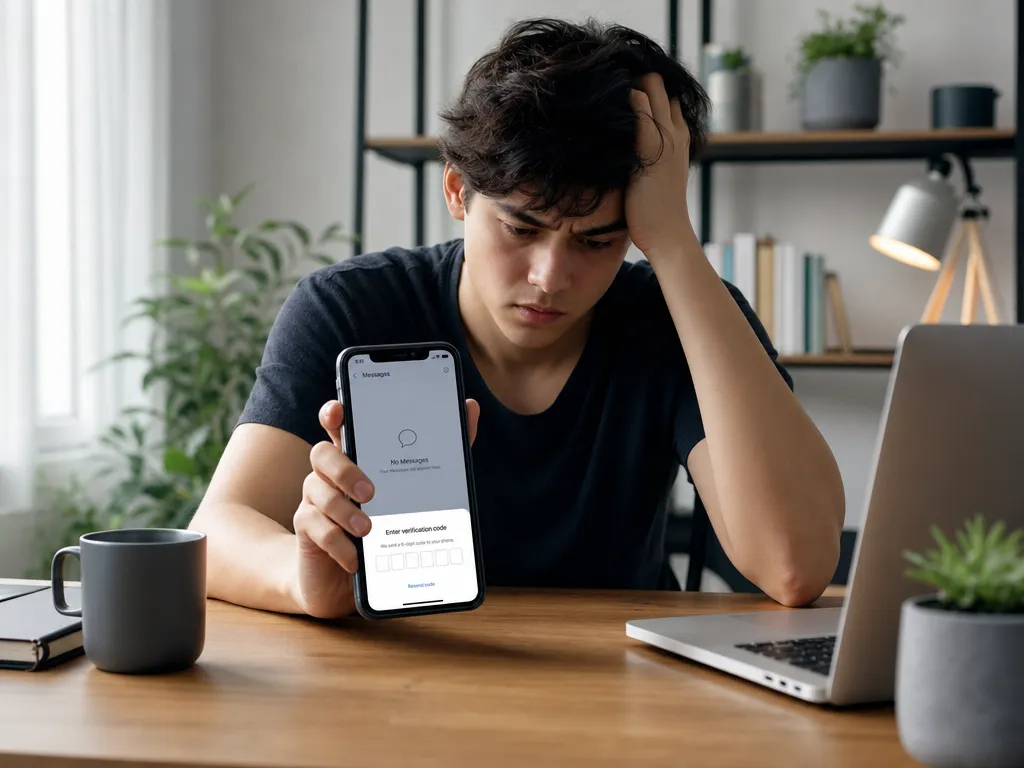
You enter your phone number, tap continue, and wait. The SMS verification code from ChatGPT never shows up. It's one of the most frustrating moments when you just want to start using the tool. The good news is that most of these problems have a clear cause and a quick fix.
This guide walks through why ChatGPT codes fail to arrive and what you can do about each scenario. We'll also cover a reliable backup option for when your own number simply won't cooperate.
Why ChatGPT Requires a Verification Code
When you sign up for ChatGPT, OpenAI asks for a phone number to confirm you're a real person. This step reduces spam accounts and bot abuse. The system sends a one-time passcode (OTP) by SMS, and you type it back into the form to prove you control that number.
The process usually takes a few seconds. When it breaks, the cause is almost always one of a handful of issues on either the sender's side, the carrier's side, or your device.
Common Reasons the Code Doesn't Arrive
Before trying random fixes, it helps to understand what's actually blocking the message. Here are the usual suspects.
1. Carrier Filtering and Delays
Mobile carriers route automated SMS through filtering systems that fight spam. Sometimes a legitimate verification message gets caught, delayed, or dropped entirely. This is more common with prepaid plans and certain regional carriers.
2. Poor Signal or Airplane Mode
If your phone has weak reception or you left airplane mode on, the SMS simply can't reach you. A message that times out on the carrier side may never retry.
3. A Full or Blocked Inbox
Some phones silently block messages from short codes or unknown senders. If your SMS storage is full, new messages may not save either.
4. Wrong Number or Country Code
A single mistyped digit, or a missing country code, sends the code to the wrong place. This is one of the most overlooked causes.
5. Number Already Used Too Many Times
OpenAI limits how many accounts a single number can verify. If your number has already been used for several ChatGPT or other OpenAI accounts, new requests may be rejected silently.
6. Regional Restrictions
ChatGPT isn't fully available everywhere. If you're in a region with limited support, SMS delivery to your local carrier may be unreliable or blocked.
Step-by-Step Fixes to Try First
Work through these in order. Most people get unstuck within the first few steps.
- Double-check the number. Confirm the country code and every digit. Remove any leading zero if the international format requires it.
- Toggle airplane mode. Turn it on for ten seconds, then off. This forces your phone to reconnect to the network.
- Restart your phone. A quick reboot clears stuck network states and refreshes your carrier connection.
- Move to better signal. Step near a window or go outside. Weak indoor reception is a frequent culprit.
- Wait a few minutes. Carrier delays can stretch to several minutes during peak times. Don't spam the resend button, which can trigger rate limits.
- Clear inbox space. Delete old messages if your SMS storage looks full.
- Check blocked senders. Look in your messaging app's spam or blocked list for filtered short codes.
If the code still doesn't show after these steps, the problem is likely tied to your number or your region rather than your device.

Advanced Fixes When Basic Steps Fail
Request the Code by Voice Call
Many verification systems offer a voice call option if SMS fails. Look for a "call me instead" link after the SMS attempt. An automated voice reads the code aloud, bypassing SMS filtering entirely.
Try a Different Network
If you're on Wi-Fi calling or a spotty mobile network, switch. Sometimes turning Wi-Fi off and relying on cellular data, or vice versa, changes how the verification request routes.
Disable Third-Party SMS Blockers
Apps that auto-filter spam texts can quietly intercept OTP messages. Temporarily disable any such app and request a new code.
Contact Your Carrier
If nothing works, your carrier may be blocking international or short-code SMS on your plan. A quick call to support can confirm and lift the restriction.
When Your Own Number Just Won't Work
Sometimes none of the above helps. Your number may be on a carrier that blocks OpenAI's SMS, already maxed out on verifications, or tied to a region where delivery is unreliable. Travelers face this constantly when roaming on a foreign network.
This is where a dedicated virtual number solves the problem. Instead of fighting your own carrier, you use a number specifically set up to receive verification codes cleanly.
Using SMSBulk Virtual Numbers for ChatGPT
SMSBulk, the platform behind this blog, provides SMS verification numbers from countries worldwide. You pick a number, point it at ChatGPT, and the code arrives in your dashboard within seconds. No SIM swap, no carrier calls, no guessing whether your prepaid plan is filtering messages.
Here's the basic flow:
- Create an SMSBulk account and top up your wallet.
- Choose a country and select the service (ChatGPT / OpenAI).
- Copy the provided number into ChatGPT's signup form.
- Receive the code in your SMSBulk dashboard and enter it.
Because the number is purpose-built for verification, the usual carrier filtering issues disappear. It's especially handy if your home number has already hit OpenAI's reuse limit or your region has spotty SMS support.
A Note for Travelers
If you're abroad and your home SIM is roaming, SMS delivery gets even more unpredictable. Many travelers switch to a data-only travel eSIM to stay online without paying roaming fees, but a data plan alone can't receive SMS codes.
That's the gap SMSBulk closes with a single account. Pair an SMSBulk eSIM for data in 200+ destinations with an SMSBulk virtual number for verification codes, and you're covered for both connectivity and account access while traveling. Both run from the same wallet, so there's no juggling separate services. You can browse plans and grab a number from your dashboard once you're signed in.
Preventing the Problem Next Time
A few habits keep verification smooth going forward:
- Keep one reliable number for important accounts instead of cycling through many.
- Note which number verified which account so you don't hit reuse limits unexpectedly.
- Maintain inbox space and review any spam-filtering apps you install.
- Plan ahead before travel by setting up a virtual number and eSIM before you leave.
Frequently Asked Questions
How long should I wait for a ChatGPT code?
Usually a few seconds, but carrier delays can push it to several minutes at peak times. Wait at least three to five minutes before requesting a new one.
Why does it say my number can't be used?
That message typically means the number already verified the maximum number of OpenAI accounts, or it's on a carrier or region OpenAI restricts. A virtual number is the simplest workaround.
Can I use a landline for ChatGPT verification?
Not reliably for SMS. If a voice call option appears, a landline can sometimes work, but a mobile or virtual number is far more dependable.
Is a virtual number safe for verification?
Yes, when you use a reputable provider. The number only receives the OTP; it doesn't expose your personal SIM or store sensitive account data.
Get Started with SMSBulk
Stop fighting carrier filters and reuse limits. With SMSBulk you get verification numbers from countries worldwide, an email verification API, and travel eSIMs all under one account and one wallet. Whether you're signing up for ChatGPT at home or staying connected abroad, SMSBulk gives you a clean number for codes and reliable data for everything else. Create your account today and get your ChatGPT verification done in seconds.
Готовы легко верифицировать аккаунты?
Получайте мгновенные SMS-коды из 190+ стран менее чем за 30 секунд.