
SMS OTP vs Email OTP: Which Is Better for Verification?
SMS OTP vs Email OTP: The Short Answer
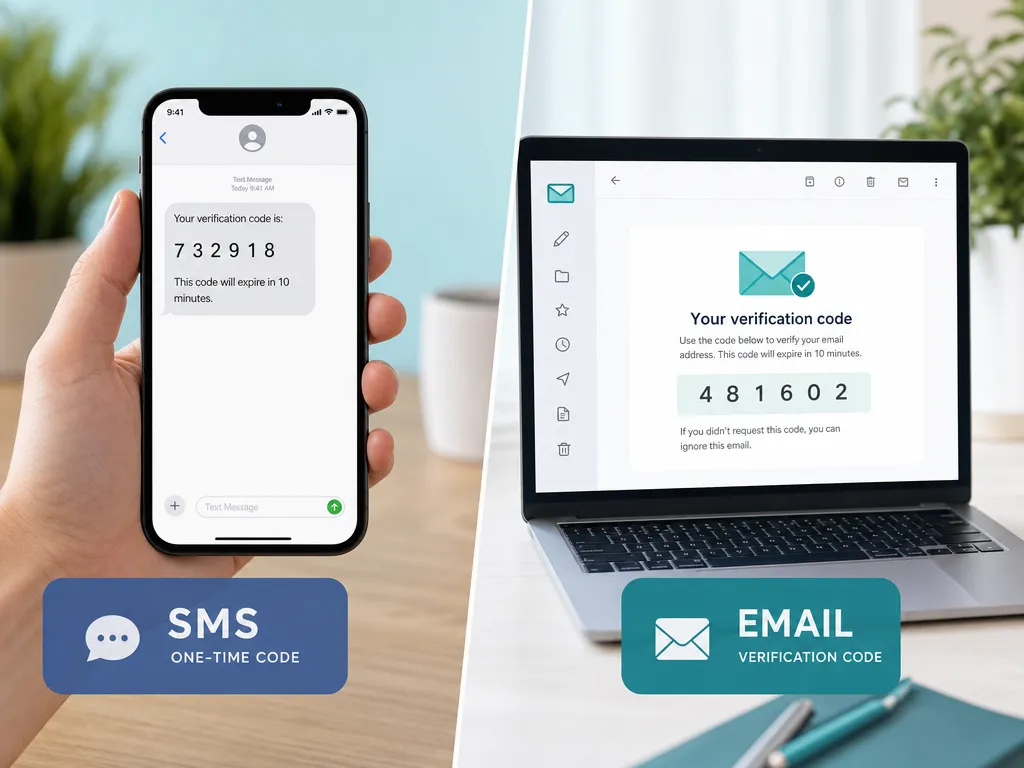
A one-time password (OTP) is a short code sent to a user so they can confirm their identity. The two most common delivery channels are SMS and email. Both work, but they behave very differently in speed, reliability, security, and cost.
There is no single winner. The right choice depends on what you are protecting, who your users are, and how fast you need the code to arrive. This guide breaks down each factor so you can make a confident decision.
What Is an OTP and Why It Matters
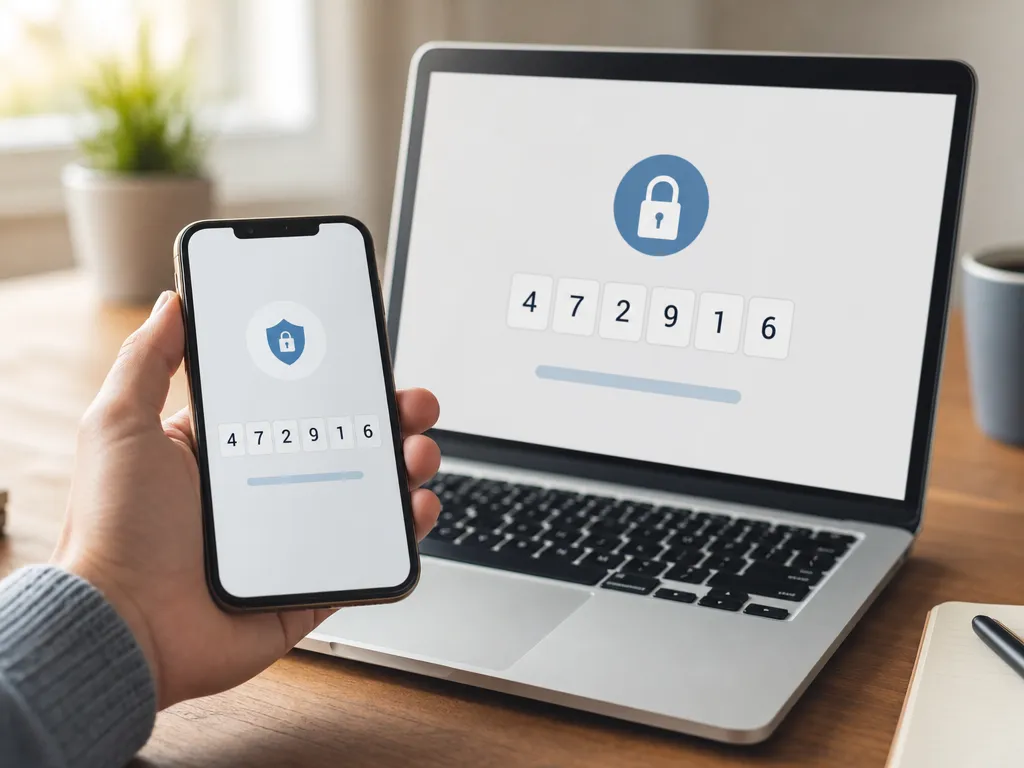
An OTP is a temporary code, usually 4 to 8 digits, that expires after a few minutes. It proves the person signing in actually controls a phone number or email address. OTPs power login verification, password resets, payment confirmations, and account recovery.
The goal is simple. Stop someone who stole a password from getting in, and confirm a real human owns the contact details on file. The channel you pick decides how smooth and how safe that moment feels.
Speed and Delivery Reliability
Speed is where these two methods feel most different in daily use.
SMS OTP usually arrives in seconds. People keep their phones within reach, so a text feels instant. Delivery depends on mobile carriers, and in most regions it is dependable. Cross-border routing can add delay, and a small percentage of messages get stuck or dropped.
Email OTP is generally fast too, but it has more failure points. Codes can land in spam, get held by aggressive filters, or sit in a crowded inbox. A user who does not have email push notifications enabled may not see the code for minutes.
Quick comparison
- Typical arrival time: SMS, a few seconds. Email, seconds to minutes.
- Main delay cause: SMS, carrier routing. Email, spam filters and inbox clutter.
- User attention: SMS notifications are hard to miss. Email is easier to overlook.
For time-sensitive actions like payment confirmation or account login, SMS tends to win on perceived speed.
Security: Which OTP Is Harder to Attack?
Neither channel is bulletproof. Each faces different threats.
SMS OTP risks
SMS can be targeted by SIM swapping, where an attacker convinces a carrier to move a victim's number to a new SIM. There is also SS7 network interception, though that requires advanced access. These attacks are real but usually aimed at high-value targets, not everyday accounts.
Email OTP risks
Email OTP security depends entirely on the email account itself. If the inbox is compromised through a leaked password or phishing, the OTP offers no protection. Because so many people reuse passwords, a breached email becomes a master key.
The honest verdict
For most consumer apps, both methods raise the bar far above passwords alone. SMS resists remote inbox takeover better, because an attacker needs the physical number. Email is more exposed if the user practices poor password hygiene. We covered the broader trade-offs in our guide on SMS verification vs email verification.
The strongest setups treat OTP as one layer, not the only layer. Pairing it with device checks or an authenticator app reduces single-channel risk.
Cost: What Each Channel Adds Up To
Cost shapes channel choice at scale, especially for fast-growing products.
Email OTP is cheap to send. Most transactional email providers charge very little per message, and high volumes stay affordable. This makes email attractive for apps with millions of low-risk verifications.
SMS OTP costs more per message because carriers charge for delivery, and prices vary widely by country. A code sent within one region may cost a fraction of a cent, while another destination costs much more. For global apps, SMS budgets need planning.
A common pattern: use email OTP as the default and reserve SMS for higher-risk actions like withdrawals or sensitive setting changes.
If you build with an API, you can route by risk level and keep spending under control. Our developer documentation shows how to wire verification flows that switch channels based on your own rules.
User Experience and Accessibility
The best OTP method is the one your users can actually complete without friction.
Where SMS shines
- Works on basic phones, no smartphone needed.
- Modern phones auto-fill codes from texts, cutting taps.
- Familiar to almost everyone.
Where email shines
- Works anywhere with internet, no cell signal required.
- Easy to access on a laptop or tablet.
- No phone number required, which protects privacy-conscious users.
Travelers are a clear example of the tension. Someone abroad on patchy roaming might miss an SMS, but reach email over hotel Wi-Fi. The reverse is also true when a foreign inbox flags login codes as suspicious.

When to Choose SMS OTP
Pick SMS OTP when:
- The action is time-sensitive, like login or payment approval.
- Your users may not have email push enabled.
- You want maximum reach, including users without smartphones.
- You are verifying access to a service like WhatsApp, Telegram, or a banking app that expects a phone number.
For testing and onboarding flows that need a real number to receive codes, a virtual number from a reliable SMS verification service lets you collect OTPs across countries worldwide without buying physical SIM cards.
When to Choose Email OTP
Pick email OTP when:
- You verify large volumes and need to control cost.
- Your users are desktop-first or privacy-conscious.
- The action is lower risk, like newsletter signup or basic account creation.
- You also want to validate that the email address is real and reachable before you send anything.
That last point matters. Sending an OTP to a dead or fake address wastes money and frustrates users. An email verification API checks whether an address exists and can receive mail before you spend on delivery, which cuts bounce rates and keeps your sender reputation clean.
Why Not Use Both?
Many mature products do exactly that. A layered approach lets you match the channel to the risk.
A practical setup
- Sign-up: email OTP, low cost, validates the address.
- Login from a new device: SMS OTP, fast and harder to intercept remotely.
- High-value action: SMS OTP plus an extra factor.
- Fallback: if one channel fails, offer the other.
This flexibility is the real lesson. Treat SMS and email as tools in the same kit, not rivals. With a unified verification platform, you can send either type through one integration and one wallet, which keeps billing and analytics simple.
Common Mistakes to Avoid
- No expiry. Codes that never expire are a gift to attackers. Keep them short-lived.
- No rate limiting. Without throttling, bots brute-force codes or drain your SMS budget.
- Ignoring deliverability. Email OTPs that land in spam look like a broken product to users.
- Skipping address validation. Sending to unverified emails wastes spend and hurts reputation.
- One channel only. A single point of failure locks legitimate users out when delivery breaks.
Frequently Asked Questions
Is SMS OTP safer than email OTP?
It depends on the threat. SMS resists remote inbox takeover, while email is safer from SIM swapping. For most users, both beat passwords alone, and combining either with another factor is strongest.
Which is faster, SMS or email OTP?
SMS usually feels faster because texts trigger immediate notifications and rarely hit spam. Email can be just as quick but is more likely to be delayed or filtered.
Can I receive SMS OTPs without a physical SIM?
Yes. A virtual number lets you receive verification codes online, which is useful for testing, multiple accounts, or signing up for services while traveling.
Should small apps use SMS or email OTP?
Start with email OTP for cost reasons and add SMS for sensitive actions. Validate email addresses first so you do not waste sends on bad data.
Get Started with SMSBulk
SMSBulk gives you both channels on one platform with a single account and shared wallet. Use our SMS verification numbers to receive OTPs from countries worldwide, or call our email verification API to validate addresses before you send. You pick the channel, set the rules, and scale without juggling separate vendors. Create an account, top up your balance, and start verifying users in minutes.
Ready to verify accounts the easy way?
Get instant SMS codes from 190+ countries in under 30 seconds.