
WhatsApp Usernames Explained: Phone Verification Impact
WhatsApp Usernames: What's Actually Happening
For years, your phone number was your WhatsApp identity. To add someone, you needed their digits saved in your contacts. That model is changing. WhatsApp is introducing usernames, a feature that lets people reach you without ever seeing your phone number.
The idea is simple. Instead of giving out a number, you share a handle like @yourname. Other people can message you using that handle, and your real number stays private. It sounds like a small tweak, but it touches privacy, account security, and the way phone verification works behind the scenes.
Let's break down what usernames are, what they change, and what stays exactly the same.
Why WhatsApp Is Adding Usernames
Most messaging apps that started after WhatsApp already use usernames. Telegram, Signal, and others let you connect through a handle instead of a number. WhatsApp held onto the number-based model far longer, partly because it was built around your phone contact list.
The shift comes down to a few pressures:
- Privacy concerns. Sharing a phone number reveals more than people want. Numbers can be searched, leaked, or tied to other accounts.
- Public-facing accounts. Creators, small businesses, and community admins want to be reachable without exposing personal lines.
- Spam reduction. A username system gives WhatsApp more control over who can start a conversation with you.
Usernames let you keep your number for sign-in and verification while using a handle for everyday contact. The two roles are being separated.
What a Username Does Not Replace
Here is the part that confuses people. A username is a contact identifier. It is not a replacement for your phone number when it comes to creating or verifying your account.
When you set up WhatsApp, you still register with a phone number. That number is what receives the one-time verification code. The username sits on top of that account as a friendlier, more private way for others to find you.
So the flow looks like this:
- You install WhatsApp.
- You enter a phone number.
- WhatsApp sends an SMS verification code to that number.
- You enter the code and your account is active.
- You optionally set a username for others to reach you.
The verification step does not go away. If anything, usernames make a clean, verifiable number even more important, because your account still rests on that foundation.
What Changes for Phone Verification
Usernames change the visibility of your number, not the requirement for one. Let's separate the two clearly.
What stays the same
- You need a working phone number to register.
- That number must receive an SMS or call with a verification code.
- Each WhatsApp account is still tied to a single number at sign-up.
- Two-step verification (your PIN) still protects the account.
What actually shifts
- Discovery. People can find and message you by username instead of number.
- Exposure. Your number is hidden from people who only know your handle.
- Public sharing. You can post a username on social media or a business card without leaking your line.
Think of the username as the front door and the phone number as the foundation. Visitors use the door. The foundation still has to be solid.
Privacy Wins, But Verification Still Matters
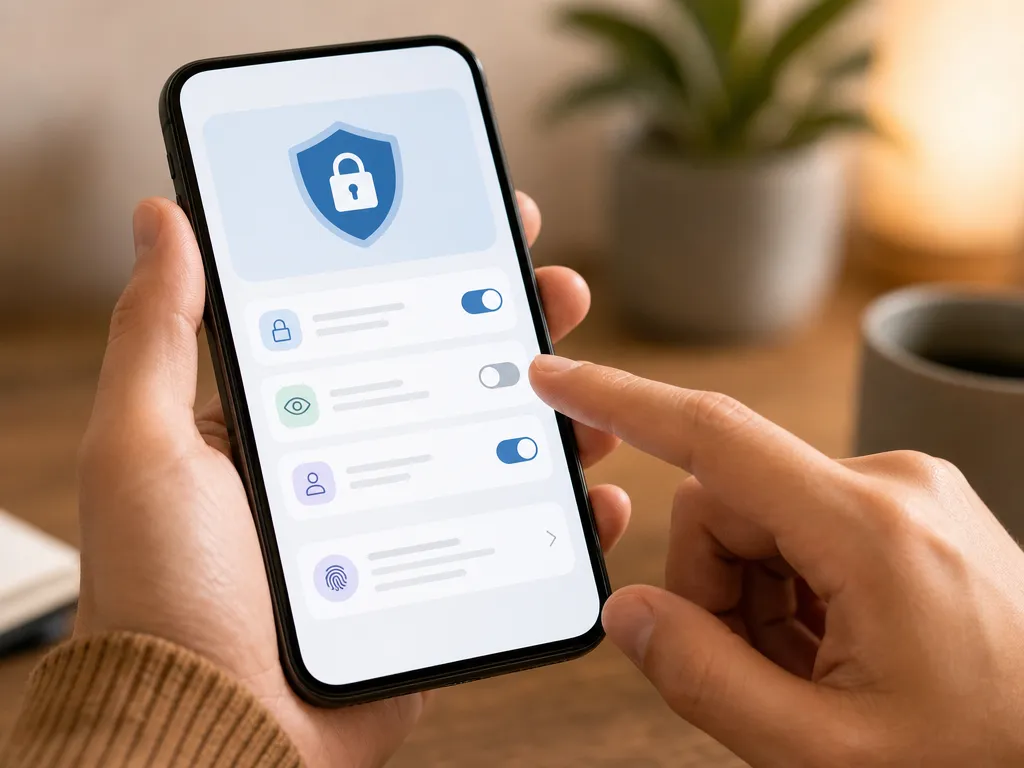
Usernames are a real privacy upgrade. If you run a community group or a small shop, you can hand out a handle and keep your personal number off the public internet. That reduces spam calls, scraping, and the awkwardness of giving strangers direct access to your line.
But privacy at the contact layer does not remove the need for a reliable number at the account layer. You still have to receive that initial code. If you are setting up an account in a new country, managing a second business profile, or protecting your main line, getting a dependable verification number becomes the practical bottleneck.
This is where a virtual phone number fits naturally. A virtual number receives the WhatsApp code without exposing your personal SIM, and once the account is active, you can layer a username on top for day-to-day privacy.

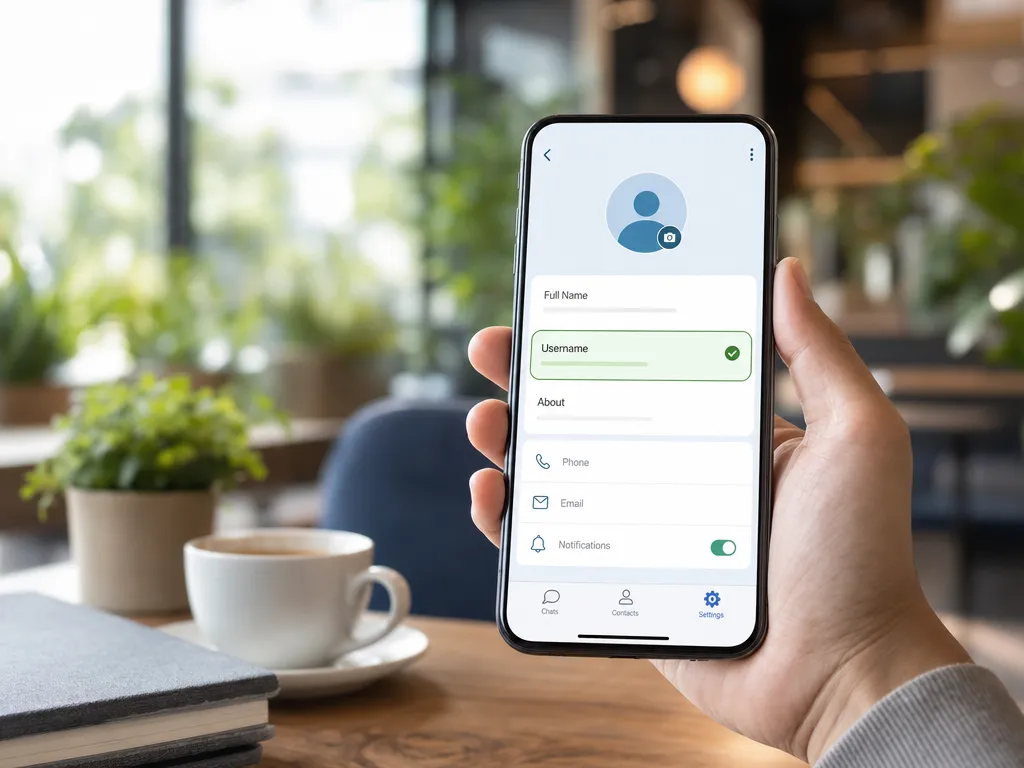
Setting Up a Username: The Basics
While the exact menu names may vary as the feature rolls out, the general process is consistent:
- Open Settings in WhatsApp.
- Tap your profile at the top.
- Look for the Username field.
- Choose a handle that follows the rules.
Username rules typically include:
- Lowercase letters, numbers, periods, and underscores.
- No spaces.
- It cannot be only numbers (so it doesn't look like a phone number).
- It must be unique across WhatsApp.
Pick something you would be comfortable putting on a public profile. Unlike a number, a username is meant to be shared widely, so consistency with your other social handles helps people recognize you.
Using Usernames for Multiple Accounts
Plenty of people run more than one WhatsApp identity. A personal account and a business account, for example. Usernames make this cleaner because each profile can have its own public handle without mixing up numbers.
The catch is that each account still needs its own verification number at signup. You cannot register two WhatsApp accounts on the same number. If you want a separate business presence, you need a second number to receive that account's code.
If you are juggling profiles, our guide on creating multiple WhatsApp accounts on one phone walks through the setup. The username feature simply adds a private, shareable layer on top of each one.
Security Considerations With Usernames
Usernames introduce a few new things to think about.
Impersonation. Because handles are public and shareable, scammers may try to register names close to yours. Claim your preferred username early, and tell your contacts your exact handle so they message the right account.
Two-step verification. Turn on the PIN in WhatsApp settings. Even if someone gets hold of your number, they cannot complete a takeover without that PIN. This matters more, not less, in a username world where your account is the thing people connect to.
Phishing. Be cautious about messages from unknown usernames asking for codes or personal details. WhatsApp will never ask you to share your verification code with another user.
Number hygiene. Keep the number behind your account secure and reachable. If you lose access to it, recovering the account gets complicated. A stable, controllable verification number reduces that risk.
When Phone Verification Becomes the Real Hurdle
Usernames remove a privacy friction point, but they spotlight an older one: getting a usable number to verify in the first place. Common situations include:
- Traveling or relocating and needing a local number for sign-up.
- Keeping your personal SIM private while still using WhatsApp.
- Setting up a business or test account separate from your daily line.
- Re-verifying after switching devices or regions.
In each case the username is the easy part. The verification number is the step that decides whether you can complete setup at all.
SMSBulk provides SMS verification numbers from countries worldwide to receive WhatsApp codes without tying the account to your personal SIM. You pick a country, receive the code, and finish registration. After that, the username feature handles your public-facing privacy. For the full picture on choosing a number, see our WhatsApp number for verification guide.
Usernames and Traveling Abroad
If you travel, usernames and verification numbers intersect in a useful way. Abroad, you often want data without paying roaming fees, and you may need to verify or re-verify an account on the spot.
A travel data plan keeps you online for everything WhatsApp needs, from voice notes to backups. SMSBulk pairs this neatly: our travel eSIM gives you data in 200+ destinations on the same account as your SMS verification numbers. The eSIM is data-only, so you keep it for connectivity and use a virtual number for any codes you need to receive while away. One wallet, both jobs covered.
That combination matters because a username doesn't connect you to the internet. You still need data to send and receive messages, and reliable data is what makes the whole experience smooth on the road.
Frequently Asked Questions
Do usernames replace my WhatsApp phone number? No. You still register and verify with a phone number. The username is an additional, private way for people to reach you.
Can I sign up for WhatsApp with only a username? No. A phone number and its verification code are still required to create the account.
Will people see my number if I use a username? People who contact you only through your username will not see your number by default. Your existing contacts who already have your number still have it.
Can two WhatsApp accounts share one number? No. Each account needs its own number at signup, even though each can have a different username afterward.
Is two-step verification still needed with usernames? Yes, and it's more important than ever. Enable the PIN to protect against account takeover.
Get Started with SMSBulk
Usernames make WhatsApp more private, but the account still stands on a verified phone number. SMSBulk gives you that foundation: reliable SMS verification numbers from countries worldwide to receive your WhatsApp code without exposing your personal SIM, plus a travel eSIM that keeps you connected abroad, all on one account and one wallet. Create your account, top up your balance, and verify WhatsApp in minutes, then add your username for everyday privacy.
¿Listo para verificar cuentas de forma fácil?
Obtén códigos SMS al instante de 190+ países en menos de 30 segundos.