
Google Couldn't Verify Your Phone Number? Causes & Fixes
Why Google Rejects Phone Verification
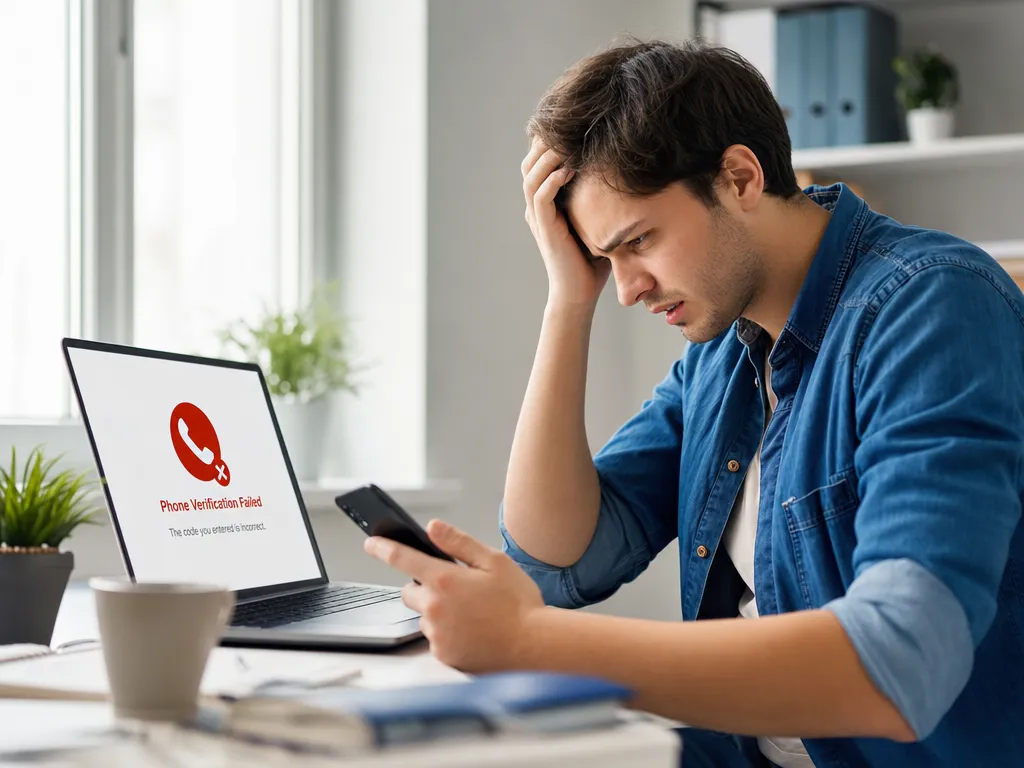
You type your number, wait for the code, and Google throws back a cold message: "This phone number cannot be used for verification." It happens more often than most people expect. The frustrating part is that Google rarely tells you why.
The good news is that almost every failure comes down to a handful of causes. Once you know what triggers the block, the fix is usually quick. This guide walks through each reason and the exact steps to get past it.
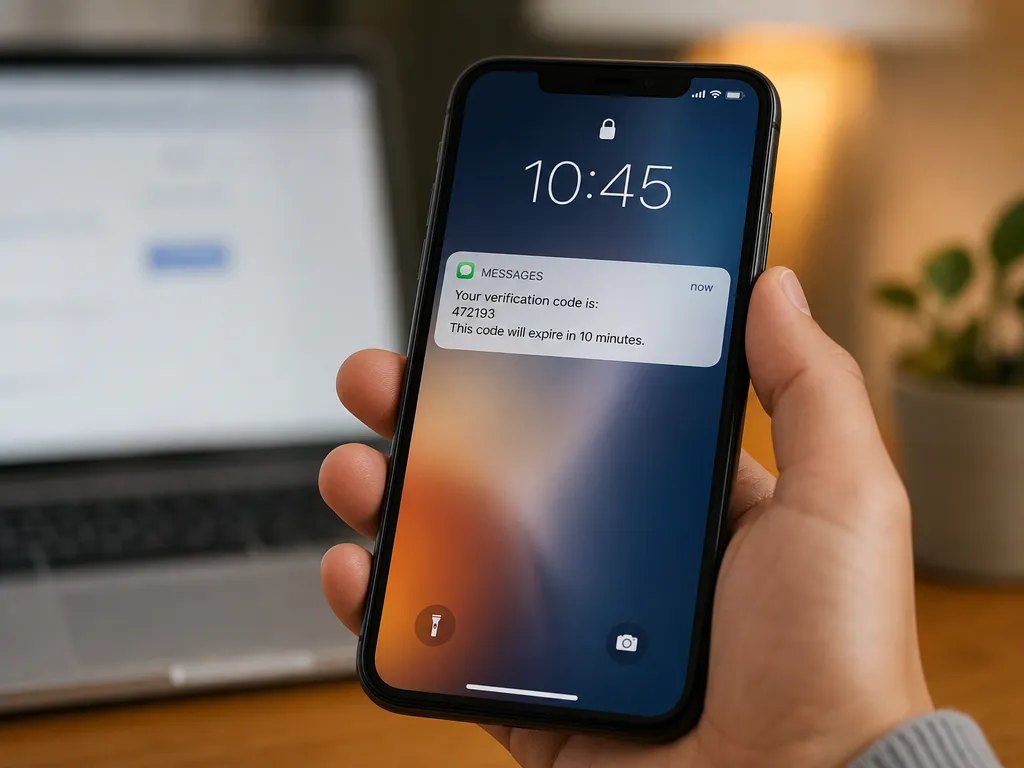
Google uses phone verification for two things: proving you are a real person and preventing one user from spinning up dozens of accounts. That second goal is why the system is so strict. If your number looks suspicious to Google's automated checks, it gets rejected even when everything is technically correct.
The Most Common Causes
Before you retry ten times and lock yourself out, look at this list. One of these is almost certainly your problem.
1. The Number Has Been Used Too Many Times
Google caps how many accounts a single phone number can verify. The exact limit is not public, but it is low. If you or someone else already verified a few Gmail accounts with that number, Google stops accepting it.
This is the number one reason people see the error. It often happens with shared family numbers or a SIM you reactivated after buying it secondhand.
2. VoIP and Certain Virtual Numbers Are Blocked
Google actively rejects many VoIP numbers. Services that hand out landline-style or internet-calling numbers get flagged because spammers abused them for years. If your number came from a generic VoIP app, expect a rejection.
This is different from a proper SMS verification number designed to receive one-time codes. Quality matters here, and we cover that below.
3. Wrong Country Code or Format
A simple mistake. If you enter a local number without the correct country code, or you leave in a leading zero that should be dropped, Google cannot route the SMS. The verification never arrives and eventually times out.
4. Carrier or Network Delays
Sometimes the number is fine and Google is fine. The SMS just gets stuck between carriers. Codes can arrive minutes late or not at all during network congestion, and Google's timer expires in the meantime.
5. Too Many Attempts in a Short Window
Requesting a new code five times in two minutes tells Google's fraud system something is off. It then applies a temporary cooldown. Any code you request during that window may silently fail.
Step-by-Step Fixes
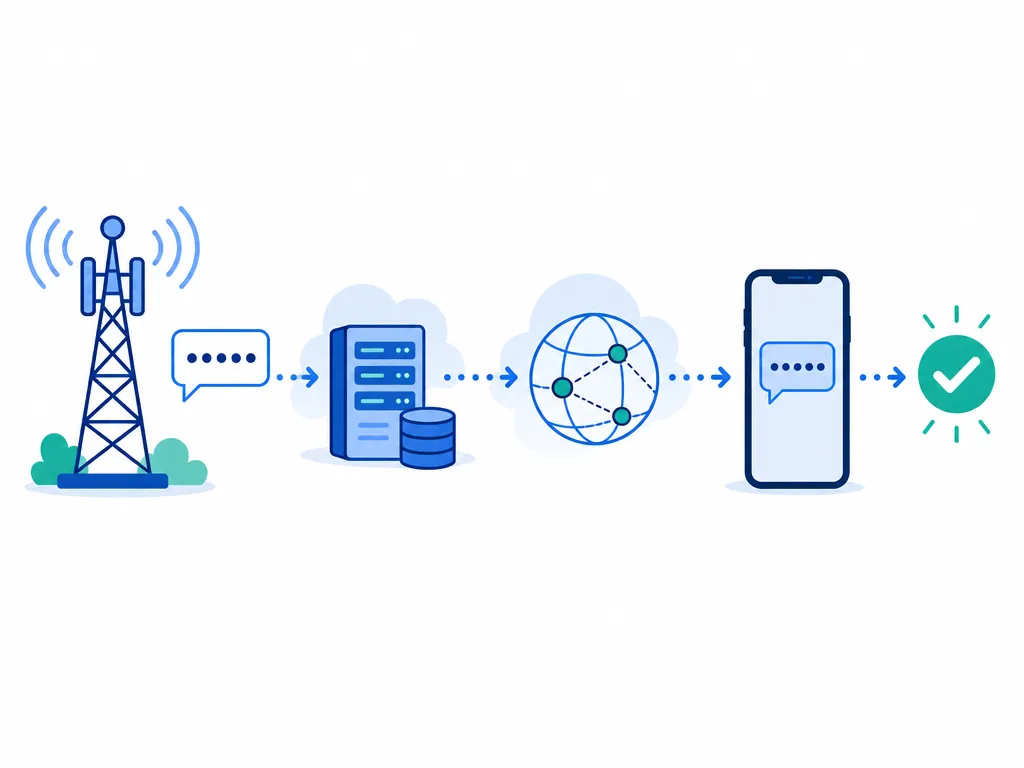
Here is how to work through the problem in order. Start at the top and stop when it works.
Fix 1: Double-Check the Number and Format
Open the entry field and confirm three things:
- The country flag matches your real country.
- You included the full number without a stray leading zero.
- There are no spaces or extra digits.
Re-enter it slowly. A surprising share of failures are just typos.
Fix 2: Wait Before Retrying
If you have already tried several times, stop. Close the tab and wait at least a few hours, ideally 24. Rapid retries deepen the temporary block. Patience often clears it on its own.
Fix 3: Switch Networks
If you are on weak mobile signal, move somewhere with better coverage or connect to stable Wi-Fi for the account setup. For SMS delivery specifically, make sure your phone has signal from your carrier, not just internet.
Fix 4: Try a Different Number
When your primary number is exhausted from previous accounts, no amount of waiting fixes it. You need a fresh number that Google has not seen. This is the point where a dedicated verification number solves the whole problem.
A reliable SMS verification number gives you a real mobile line built to receive one-time codes. It sidesteps the "used too many times" block because it is a number Google has not tied to your history. Our guide on the virtual phone number complete workflow explains how these work end to end.
Fix 5: Use Account Recovery Instead
If you are recovering an existing account rather than creating one, and the phone step keeps failing, look for the "Try another way" link on the recovery screen. Google often accepts a backup email, a recovery code, or a trusted device as an alternative.
Can You Skip Phone Verification Entirely?
Sometimes. Google does not always require a phone number during signup, especially on certain devices and browsers. If the field appears optional, you can occasionally proceed without it. We break down the full method in our walkthrough on how to create a Gmail account without a phone number.
Be realistic, though. Even if you skip it at signup, Google may ask for verification later when it sees unusual activity. Having a working number ready saves you a lockout down the road.
Choosing a Number That Actually Works
Not every virtual number passes Google's filters. Here is what separates one that works from one that gets rejected:
- Real mobile range. Google prefers numbers on genuine mobile carrier ranges over VoIP blocks.
- Fresh assignment. A number that has not verified many accounts already.
- Correct country support. Some services work better for specific countries. Matching your number's country to Google's expectations helps.
- Fast delivery. The code needs to land before Google's timer expires.
SMSBulk offers verification numbers from countries worldwide built specifically for receiving codes from services like Google, WhatsApp, Telegram, and Instagram. Because it is designed for one-time codes, delivery is quick and the numbers clear Google's checks more reliably than random VoIP lines. If you want to understand the safety side too, read our 2026 guide to receiving SMS online safely.
If You Are Verifying While Traveling
Verification problems get worse abroad. Roaming can delay or block incoming SMS, and your home carrier may not deliver codes reliably on foreign networks. Many travelers land in a new country and suddenly cannot receive the code Google demands.
The clean solution is to keep data and SMS separate. A data-only travel plan from SMSBulk eSIM keeps you online across 200+ destinations, while a virtual number handles the verification codes on the same account and wallet. You install the eSIM by QR or direct install on iPhone, and you are connected within minutes of landing. That pairing (eSIM for data, virtual number for codes) covers everything a traveler needs without swapping physical SIMs.
Quick Troubleshooting Checklist
Run through this when the error appears:
- Confirm country code and number format.
- Wait several hours if you retried many times.
- Move to stronger signal or stable Wi-Fi.
- Check the number is not already exhausted on other accounts.
- Use "Try another way" for recovery.
- Switch to a fresh, reliable verification number if all else fails.
Most people fix the issue at step one or step six. The middle steps handle the temporary blocks.
Frequently Asked Questions
Why does Google say my number can't be used?
Usually because the number verified too many accounts already, or because it is a VoIP line Google flags as high risk. Switching to a fresh mobile-range number resolves it.
How long should I wait after a failed attempt?
Give it at least a few hours. If you triggered a cooldown from rapid retries, waiting a full day is safest before trying again.
Does the same number work for WhatsApp and Google?
Each service tracks usage separately, but a number heavily used across many services is more likely to get flagged. A dedicated verification number per purpose is the cleanest approach.
Can I verify without any phone number?
Sometimes at signup, yes. Later on, Google may still require one when it detects unusual behavior, so keeping a working number available is wise.
Get Started with SMSBulk
Stop fighting rejected codes. SMSBulk gives you real verification numbers from countries worldwide that clear Google's checks, plus travel eSIMs and an email verification API, all under one account and wallet. Whether you are setting up a new Gmail at home or verifying an account after landing abroad, you can grab a number in seconds and get your code the first time. Sign up, top up your wallet, and let SMSBulk handle the part Google keeps blocking.
هل أنت مستعد للتحقق من الحسابات بسهولة؟
احصل على رموز SMS فورية من 190+ دولة في أقل من 30 ثانية.