
WhatsApp Number for Verification: Complete 2026 Guide
Why People Need a Separate WhatsApp Number for Verification
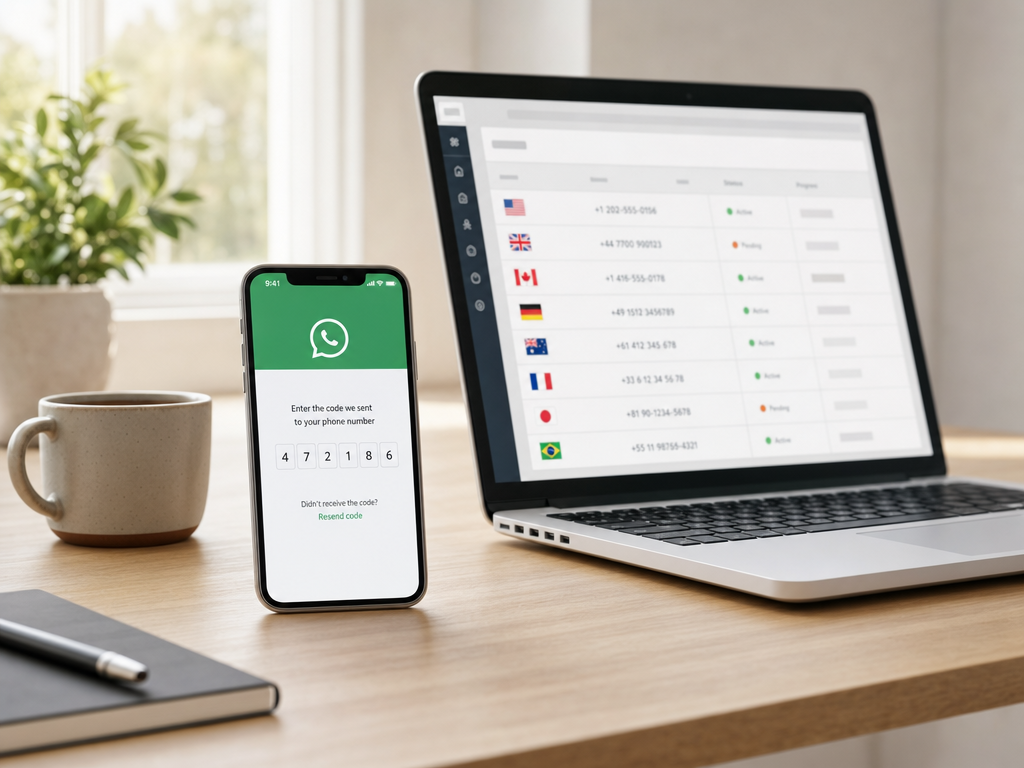
WhatsApp ties every account to a phone number. That single rule shapes how millions of people use the app. If you want a second account, a business profile, or simply more privacy, you need another number that can receive a one-time SMS code. Buying a second SIM works, but it is slow, costs more over time, and leaves a paper trail with your local carrier.
A virtual WhatsApp number for verification solves all three problems. You pick a number online, receive the SMS code in seconds, and finish the signup without ever inserting a physical card. The number lives on a service like SMSBulk, not on your handset, so your real SIM stays untouched.
People use this approach for several common reasons:
- Keeping personal and work chats fully separated
- Running a regional WhatsApp Business account in a country where they do not live
- Testing app features as a developer without burning their main number
- Protecting privacy when joining group chats with strangers
- Avoiding spam follow-ups after one-off transactions
How WhatsApp Verification Actually Works
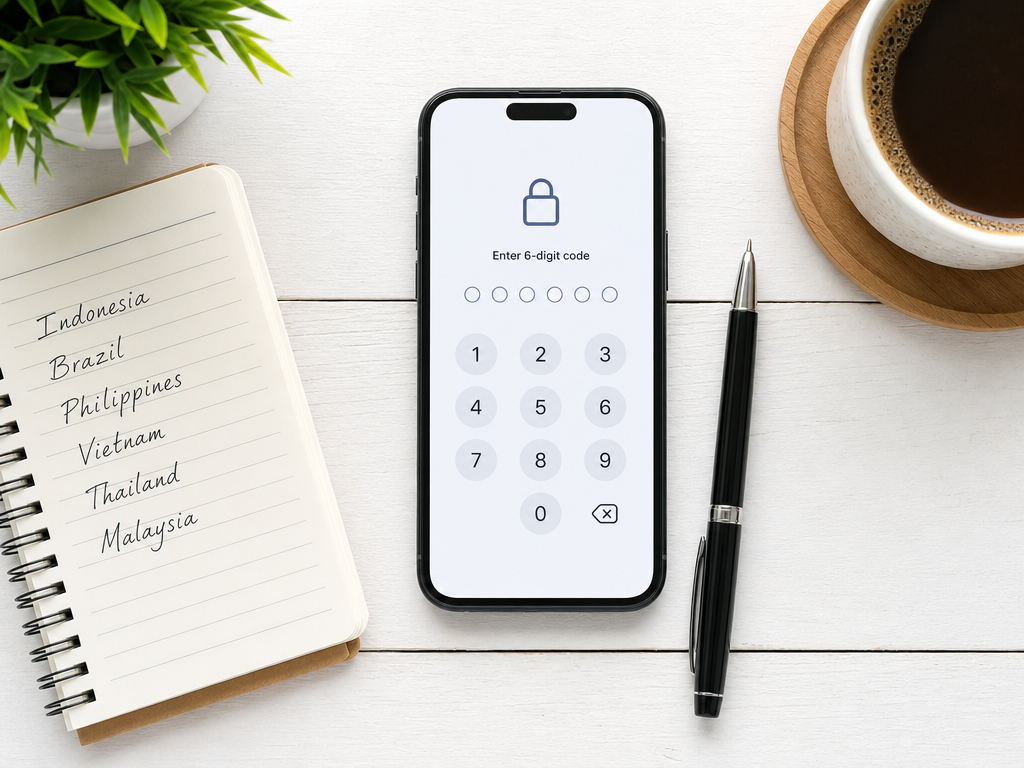
When you tap Agree and Continue on a fresh install, WhatsApp sends a six-digit code to the number you typed. That code arrives by SMS, or as a fallback, by automated voice call. Once you enter the code, WhatsApp links your device to that number and starts syncing.
A few details matter for anyone planning to use a virtual number:
- WhatsApp checks the number format and country code on the spot. If the country is not supported, the code never sends.
- SMS delivery is the default. Voice fallback opens after a 60-second timer.
- The number must stay reachable for the full minute. If the rental window closes early, you lose the code.
- Some country pools (mobile vs landline ranges) have different success rates. Mobile ranges almost always work; landline ranges sometimes get blocked.
This is why picking the right service matters more than picking the cheapest one. A reliable provider routes your number through tested mobile ranges and shows real-time success stats.
Choosing the Right Country for Your WhatsApp Number
Not every country is equal for WhatsApp signups. Some pools are heavily reused, which raises the chance that a number was already linked to another account and is rate-limited. Others are fresh and almost always deliver on the first try.
Generally reliable country pools
- Indonesia, Philippines, Vietnam: large pools, low reuse, fast delivery
- Brazil, Mexico, Colombia: solid for both Business and personal accounts
- Nigeria, Kenya, South Africa: good for African market testing
- United Kingdom, Poland, Romania: useful when European caller ID matters
Pools that need more care
US and Canada numbers work, but they are the most reused, so check live success rates before you pay. India often blocks WhatsApp on virtual ranges. Russia and Iran are unreliable due to local carrier policy.
The right pick depends on what you plan to do with the account. If you only need to verify and chat, any working country is fine. If you plan to advertise to a specific market, pick a number from that country so contacts trust the caller ID.
Step-by-Step: Verify WhatsApp With a Virtual Number
Here is the exact flow most users follow on SMSBulk or any similar service.
1. Top up your account
Log in, add credit, and head to the verification number list.
2. Filter for WhatsApp
Search WhatsApp in the service field. The list refreshes to show only numbers that currently accept WhatsApp codes, with the country and price shown next to each line.
3. Pick a country and rent the number
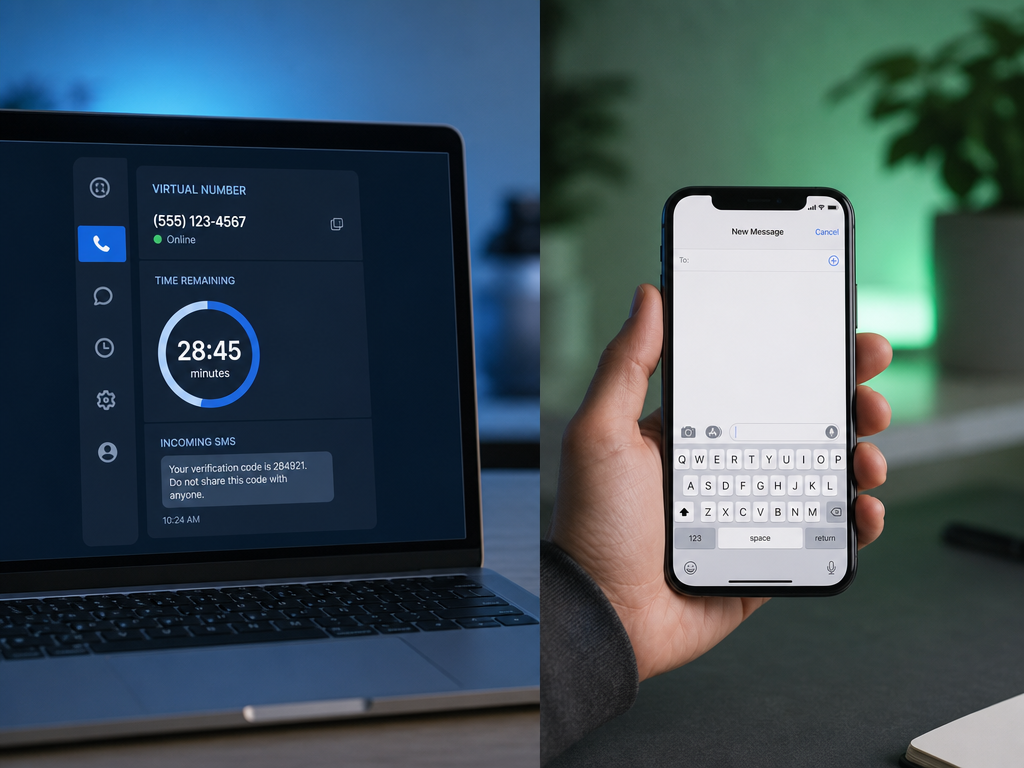
Click the country you want. The number appears on your dashboard along with a countdown timer, usually 15 to 20 minutes.
4. Open WhatsApp and request the code
Install WhatsApp on a fresh device or in a second-account slot. Type the rented number with the correct country code. Tap Next, confirm, and wait for the SMS.
5. Copy the code from your dashboard
The SMS shows up on the SMSBulk panel within seconds. Copy the six digits and paste them into WhatsApp.
6. Set up your profile
Add a name, photo, and (optional) two-step verification PIN. The PIN matters because once your rental window closes, you cannot receive a recovery SMS to that number again.
Keeping the Account Alive After the Rental Ends
This is the part most beginners miss. A virtual number is rented, not owned. When the rental window closes, the number returns to the pool and someone else can rent it later. Your WhatsApp account, however, stays linked to that phone number until WhatsApp itself releases it.
To keep the account safe and usable:
- Enable two-step verification immediately. Settings, Account, Two-step verification, set a six-digit PIN and a recovery email.
- Turn off SMS-based recovery prompts by avoiding the Forgot PIN flow.
- Never log out unless you have re-rented the same number. Logging out forces a re-verification, and you will need a fresh SMS.
- Back up chats to Google Drive or iCloud weekly. Backups are tied to the account, not the number, so you can restore them on a new device as long as you stay logged in.
With two-step verification on and stable login, the account can run for months or years on a number you only rented for 20 minutes.
Common Problems and How to Fix Them
The code never arrives
Wait the full timer, then click Cancel and refund on your dashboard if the service supports it. Pick a different country. Some countries throttle WhatsApp specifically during peak hours.
WhatsApp says the number is already in use
The pool number was linked to another account before. Release it and try a different one. A good provider does not charge you for this case.
The code arrives but WhatsApp says it is invalid
Usually a typo. Double-check that you copied all six digits without spaces. If it still fails, request a new code, but wait 60 seconds first to avoid a temporary ban.
Account gets banned shortly after signup
This happens when many users abuse the same range. Switch to a different country pool and avoid bulk messaging in the first 24 hours of a new account.
Is It Safe to Use a Virtual Number for WhatsApp?
From a privacy standpoint, virtual numbers are safer than your personal SIM because the number is not tied to your identity. WhatsApp does not see anything different. The chat is still end-to-end encrypted, and your contacts cannot tell whether you used a real or virtual number.
The one caveat: do not use the same account for sensitive personal banking confirmations or two-factor codes. If you ever lose access and the rental is gone, recovery is harder. Treat virtual-number WhatsApp accounts as secondary or business profiles, not as a vault for your most critical communications.
Get Started With SMSBulk
SMSBulk offers WhatsApp verification numbers from countries worldwide with live success-rate stats next to every option. Top up once, pick the country pool that fits your audience, and finish your verification in under two minutes. Whether you are running a side business, testing an app, or simply protecting your main SIM, a virtual WhatsApp number for verification is the fastest path. Open your SMSBulk dashboard, search WhatsApp, and your new account is ready before your coffee cools.
هل أنت مستعد للتحقق من الحسابات بسهولة؟
احصل على رموز SMS فورية من 190+ دولة في أقل من 30 ثانية.