
How to Create Multiple WhatsApp Accounts on One Phone
Why People Need More Than One WhatsApp Account
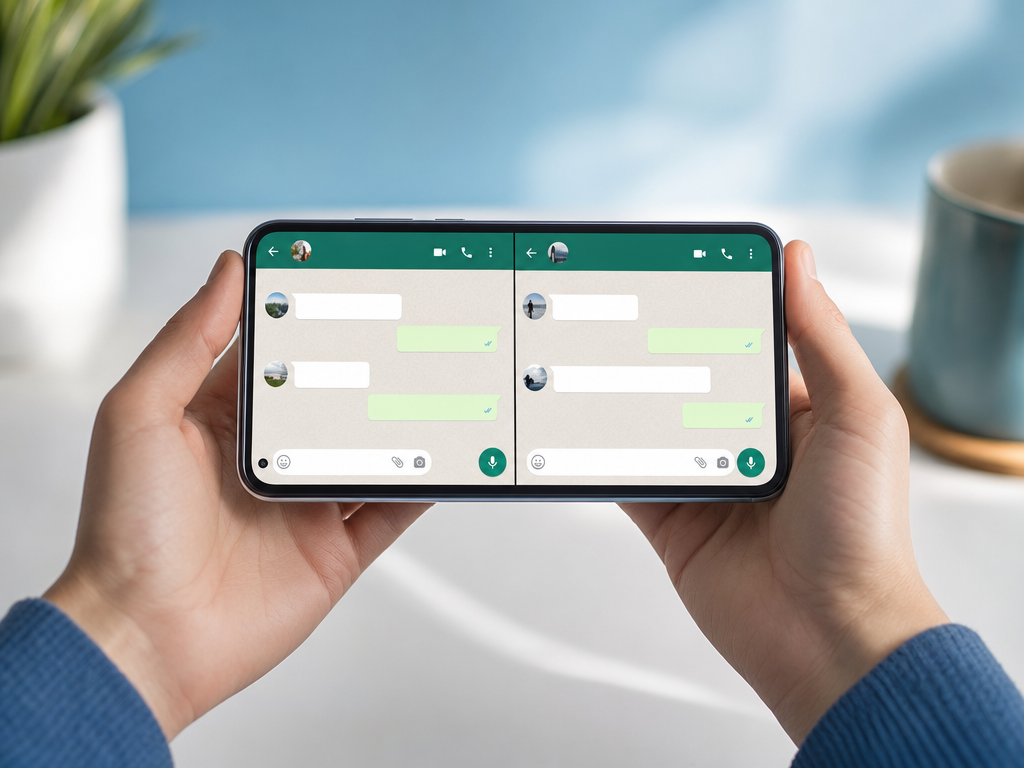
Managing life through a single WhatsApp account no longer works for most users. Freelancers chat with clients, small business owners juggle customer messages, and many people simply want to keep work conversations separate from family group chats. The good news is that running multiple WhatsApp accounts on one phone is easier than ever in 2026.
This guide walks you through every working method, from official built-in tools to virtual number services. By the end, you will know exactly which approach fits your situation.
What You Need Before You Start
Before creating a second or third WhatsApp account, gather these essentials:
- A working smartphone (Android or iPhone)
- Two or more phone numbers that can receive SMS or calls
- A stable internet connection
- About 10 minutes of setup time
The phone number is the most important piece. WhatsApp ties each account to one number, and that number must receive a verification code during signup. If you only have one SIM, do not worry. We will cover virtual number options below.
Method 1: Use WhatsApp's Built-In Multi-Account Feature
WhatsApp officially added support for multiple accounts in 2024, and the feature has matured nicely. On Android, you can add a second account directly inside the app without any third-party tools.
Steps for Android
- Open WhatsApp and tap the arrow next to your name at the top.
- Select Add account.
- Enter your second phone number.
- Wait for the SMS verification code and enter it.
- Set up your profile name and photo.
You can now switch between accounts from the same WhatsApp app. Notifications come through separately, and each account has its own chat list, status, and settings.
Steps for iPhone
Apple users had to wait longer, but multi-account support is now available on iOS through the latest WhatsApp updates. The flow is nearly identical to Android. Open the app, go to Settings, tap your profile picture, and select Add account.
Method 2: Use Dual App Features on Your Phone
Most Android manufacturers include a dual app or app cloner feature in their system settings. Samsung calls it Dual Messenger, Xiaomi calls it Dual Apps, and OPPO labels it App Clone. The result is the same: two completely separate copies of WhatsApp running side by side.
How to Activate Dual Messenger on Samsung
- Open Settings on your phone.
- Go to Advanced features.
- Tap Dual Messenger.
- Toggle WhatsApp on.
- A second WhatsApp icon appears on your home screen.
Launch the cloned app, register a different number, and you have two fully independent WhatsApp accounts. Each one has its own storage, contacts, and chat history.
This method is great when you want strong separation between work and personal use. The downside is that cloned apps sometimes update slower than the main app, so check for updates manually now and then.
Method 3: WhatsApp Business Plus Regular WhatsApp
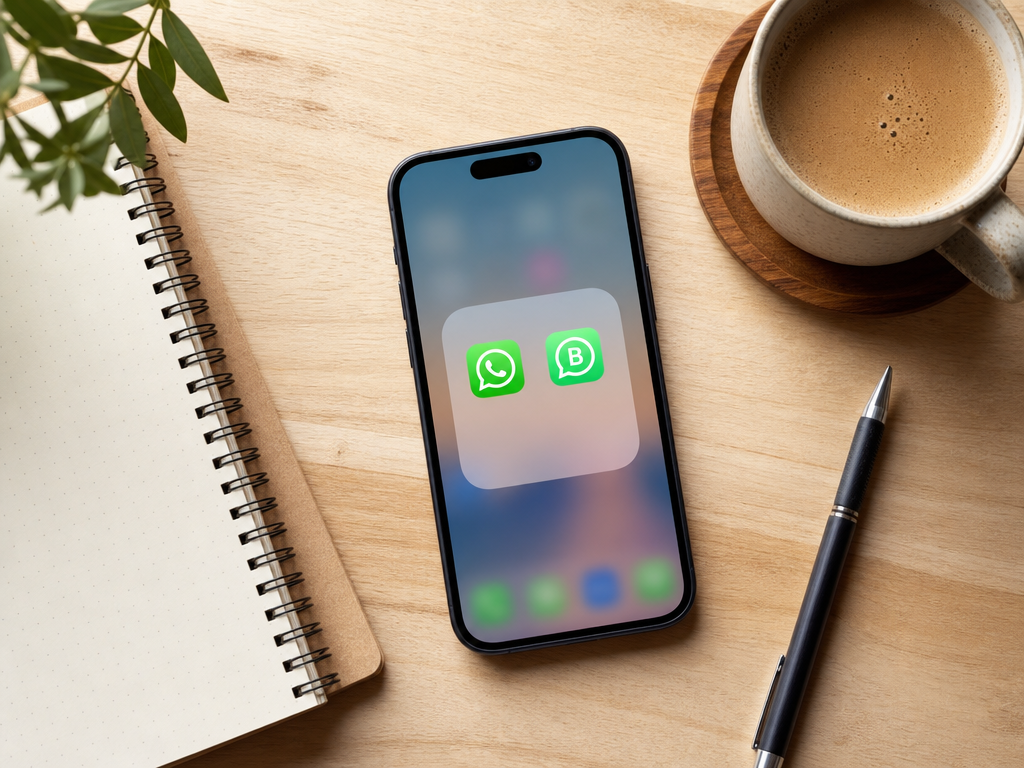
If you run a small business or even a side hustle, installing both WhatsApp Messenger and WhatsApp Business is one of the cleanest solutions. They are different apps from the same company, so they coexist on your phone without any tricks.
WhatsApp Business adds useful tools like:
- Automated greeting messages
- Quick replies for common questions
- Product catalogs
- Business hours and away messages
- Labels to organize customer chats
Use your personal number on regular WhatsApp and a business number on WhatsApp Business. This setup is especially popular among shopkeepers, consultants, and online sellers.
Method 4: Use a Virtual Number for the Second Account
Here is where things get interesting for people who do not own a second SIM. A virtual number is a real phone number that exists in the cloud and can receive SMS verification codes. WhatsApp accepts most virtual numbers, especially mobile-grade ones from reliable providers.
Services like SMSBulk offer numbers from countries worldwide specifically designed for SMS verification. The process is simple:
- Sign up for an account on SMSBulk.
- Top up your balance.
- Select WhatsApp as the service and pick a country.
- Receive a temporary or rented number.
- Enter that number into WhatsApp during signup.
- Copy the verification code from the SMSBulk dashboard.
- Complete the registration.
This is the best option if you want to:
- Keep your real number completely private
- Register an account for a foreign region
- Avoid buying an extra physical SIM card
- Test WhatsApp for business or development purposes
Virtual numbers also let you create third, fourth, or even fifth WhatsApp accounts if your business needs scale. Just make sure each number is unique and active when you complete verification.
Method 5: Third-Party Cloning Apps (Use With Caution)
Apps like Parallel Space and Dual Space promise to clone any app, including WhatsApp. They work, but they carry real risks:
- WhatsApp may detect non-official clients and ban the account.
- Cloning apps often require extensive permissions.
- Some inject ads or collect data in the background.
If the dual app feature is missing from your phone, you can try these, but the built-in methods are safer. We recommend treating third-party cloners as a last resort.
Tips for Managing Multiple WhatsApp Accounts
Once you have two or more accounts active, daily management becomes the next challenge. A few habits make life easier:
- Use distinct profile pictures so you instantly recognize which chat belongs to which account.
- Customize notification sounds for each account to avoid confusion.
- Mute non-essential groups on your work account to protect focus time.
- Back up each account separately to Google Drive or iCloud.
- Log out of accounts you no longer use to free up resources.
If you use WhatsApp Web, remember that each account needs its own browser tab or profile. Modern browsers like Chrome and Edge support multiple profiles, which works perfectly for this.
Common Problems and Fixes
Verification code never arrives. Wait a full minute, then request a call instead of SMS. If you used a virtual number, check the SMSBulk dashboard rather than your phone.
Account banned after registration. This usually happens when too many accounts come from the same device fingerprint or IP. Space out registrations and avoid sharing devices.
Cannot add a second account on iPhone. Make sure WhatsApp is updated to the latest version. Older iOS versions may not support multi-account yet.
Cloned app keeps crashing. Clear cache from the cloned app's settings or reinstall the clone. Make sure your phone has enough storage space left.
Is It Legal and Safe?
Running multiple WhatsApp accounts is fully allowed as long as each account uses its own valid phone number. WhatsApp's terms only forbid impersonation, spam, and bulk automated messaging. Personal and business use across several accounts is fine.
Using virtual numbers from legitimate services like SMSBulk is also acceptable. The number you receive is a real telecom-issued number, not a forged identifier.
Get Started with SMSBulk
If you need a second number to set up another WhatsApp account, SMSBulk is built for exactly that. With worldwide coverage, instant activation, and a clean dashboard for managing your verifications, you can register a new WhatsApp account in under five minutes. Create your SMSBulk account today, top up a small balance, and add the WhatsApp account you have been planning. No extra SIM card, no waiting in line at a carrier shop, just a working number ready when you are.
Ready to verify accounts the easy way?
Get instant SMS codes from 190+ countries in under 30 seconds.