
OTP API: How to Build SMS Verification into Your App
What an OTP API Actually Does
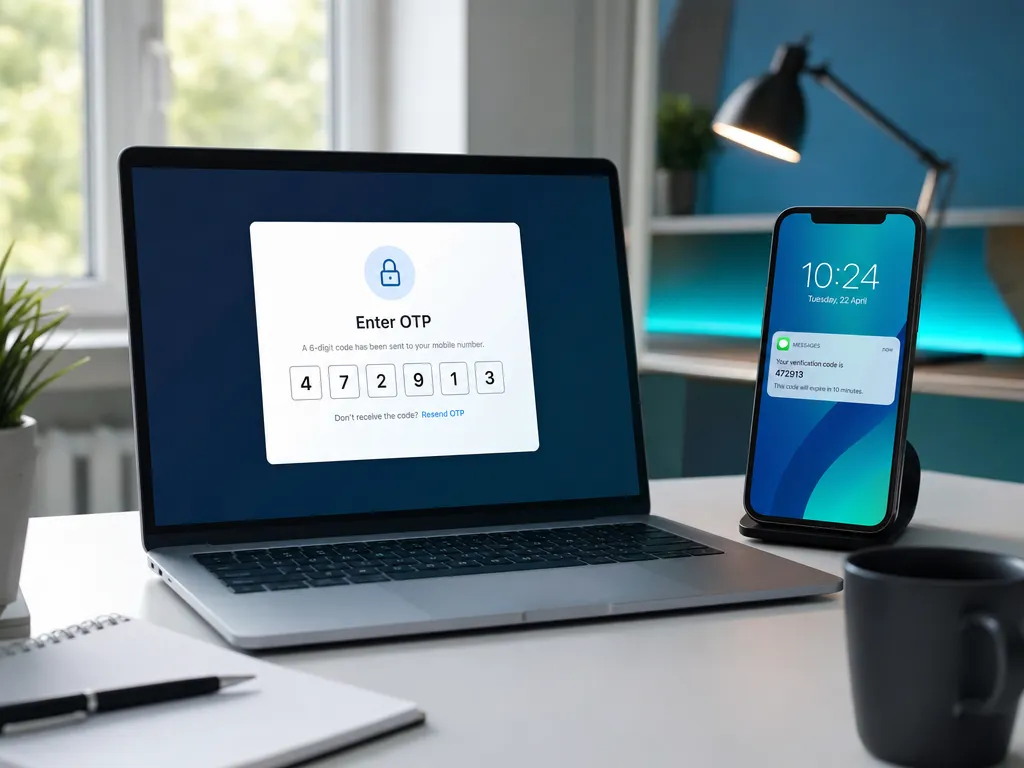
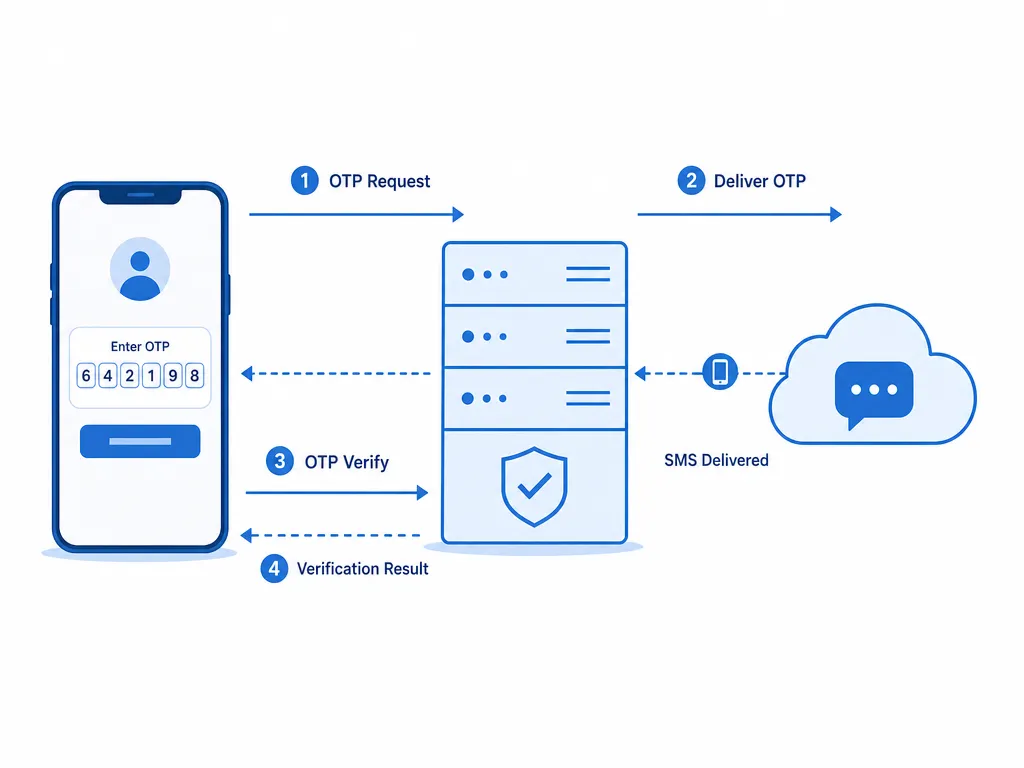
A one-time password (OTP) API gives your app a programmatic way to prove that a user controls a specific phone number. The flow is simple on the surface. Your backend requests a number or triggers a code, the user receives an SMS, and they type the code back into your app. Behind that simplicity sits a lot of engineering: number formatting, delivery timing, retry logic, rate limiting, and abuse prevention.
OTP verification is one of the most common trust signals online. It gates account signups, protects logins, confirms high-value transactions, and slows down bots. If you are building any of these, an OTP API saves you from running your own SMS infrastructure and carrier relationships.
This guide walks through the architecture and the practical decisions you need to make. It focuses on real integration work, not marketing.
Two Models: Send-Code vs Receive-Code
Before writing code, understand which model your provider uses. They serve different purposes.
Model A: You send a code to the user
Here your backend generates (or the API generates) a numeric code and delivers it to a phone number the user gave you. This is the classic "verify your own phone" flow for account signup and login. You store a hash of the code, set a short expiry, and compare what the user types.
Model B: You rent a number and receive a code
In this model you request a temporary virtual number from a catalog, then read the incoming SMS that a third-party service (WhatsApp, Google, Telegram) sends to it. This is useful when you need to verify an account on an external platform, automate onboarding, or test SMS flows across many countries. SMSBulk specializes in this model with numbers from countries worldwide. You can explore the SMS verification catalog to see coverage.
Both models can share a similar API shape. The difference is who owns the number and who sends the code.
Core Architecture
A clean OTP integration separates three responsibilities:
- A verification service in your backend that talks to the OTP API.
- A short-lived store (Redis works well) that holds pending verifications with expiry.
- A client interface that collects the phone number and the code.
Never verify OTPs on the client alone. The client can display fields and call your backend, but the decision "is this code valid" must happen server-side where an attacker cannot tamper with it.
Here is a minimal server-side flow in pseudocode:
POST /verify/start
  input: phoneNumber
  normalize phoneNumber to E.164
  call OTP_API.request(phoneNumber)
  store { requestId, phoneNumber, attempts: 0 } with 10 min TTL
  return { requestId }

POST /verify/check
  input: requestId, code
  load record by requestId
  if expired or attempts >= 5 -> reject
  result = OTP_API.check(requestId, code)
  if result.valid -> mark phone verified
  else -> increment attempts
This structure keeps your logic testable and provider-agnostic. If you ever switch providers, only the OTP_API adapter changes.
Get Phone Formatting Right
Most OTP failures trace back to malformed phone numbers. Users type numbers in dozens of formats: with spaces, dashes, leading zeros, or local prefixes. Before you send anything, normalize to E.164, the international standard like +14155552671.
Use a well-maintained parsing library rather than regex. Libraries handle country codes, trunk prefixes, and validation rules that vary by region. If you want the full breakdown, our guide on the E.164 phone number format covers the edge cases that break naive implementations.
A few rules that save hours of debugging:
- Store the country the user selected, not just the digits.
- Reject clearly invalid lengths before calling the API.
- Keep the raw input for support tickets, but only send the normalized version.
Handling Delivery and Retries
SMS is not instant and not guaranteed. Delivery times vary by carrier, country, and time of day. Design your UI and backend to expect delay, not perfection.
Sensible retry behavior
- Show a countdown before allowing a "resend" button. Thirty to sixty seconds is typical.
- Cap resends per number per hour to control cost and abuse.
- Offer a fallback channel after two failed SMS attempts. Voice call or email OTP can rescue a stuck signup.
If codes routinely fail to arrive, the cause is often upstream. Our breakdown of why OTP codes never arrive lists the common carrier and routing issues and how to diagnose them.
Security Best Practices
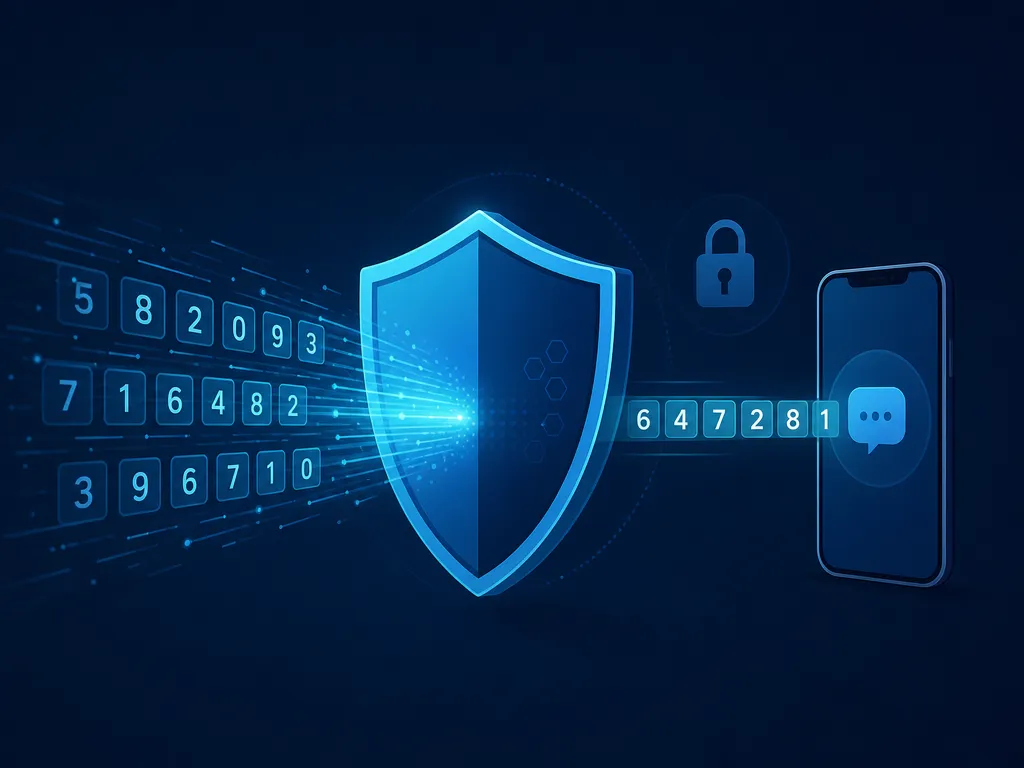
OTP is a security feature, so treat the implementation with care.
Code generation and storage
- Use six digits as a baseline. Four is weak, eight can annoy users.
- Generate codes with a cryptographically secure random source.
- Store only a hash of the code, never plaintext, if you generate it yourself.
- Set a tight expiry, usually five to ten minutes.
Rate limiting and abuse control
Attackers brute-force OTPs and abuse send endpoints to run up your bill (a pattern called SMS pumping). Defend on multiple layers:
- Limit verification attempts per request ID (five is common).
- Limit send requests per phone number and per IP.
- Add a CAPTCHA or proof-of-work on the send endpoint if you see automated abuse.
- Monitor for sudden spikes to unusual country codes.
Never leak the code
Do not return the OTP in API responses, logs, or client-side state. The only place the code should exist is the SMS and your hashed store.
For a deeper security walkthrough, see our SMS verification API developer guide, which covers threat models and response handling in more detail.
Adding Provider Failover
A single provider is a single point of failure. If your OTP API has an outage, signups stop cold. Mature systems route around this.
The pattern is an adapter interface with two or more backends. You try the primary, and on timeout or error you fall to a secondary. Track health per provider so you do not keep hammering a dead endpoint. Our dedicated guide on building SMS verification with provider failover shows a full implementation with health checks and routing.
Even if you start with one provider, design the adapter boundary now. Retrofitting failover into tightly coupled code is painful.
Testing Your Integration
Test before you ship, and test across countries. A flow that works on your local number may fail in another region because of formatting or carrier quirks.
Useful tactics:
- Use sandbox or test numbers where the provider offers them.
- Verify your E.164 normalization against a list of tricky sample numbers.
- Simulate delayed and failed deliveries in staging.
- Load-test your send endpoint to confirm rate limits actually fire.
With SMSBulk you can request numbers from many countries to validate real-world behavior, and the same account holds your wallet for both SMS verification and other products. Developers who need reference material can read the API documentation for endpoints and response formats.
Cost and Rate Considerations
SMS pricing varies widely by destination country. A code to one country may cost a fraction of a cent while another costs several times more. Build cost awareness into your product:
- Cache the user's verified status so you never re-verify unnecessarily.
- Prefer app-based or email verification for low-risk actions, reserving SMS for high-risk ones.
- Watch for pumping fraud, which turns expensive destinations into an attack surface.
Review the pricing overview so you can estimate per-country costs before rolling out globally.
A Note for Travelers and Remote Teams
If your users or your own team operate across borders, the number you verify with and the data connection you use are two separate problems. A virtual number handles the SMS code. A data plan handles connectivity. SMSBulk covers both from one account: virtual numbers for verification and travel data through SMSBulk eSIM for 200+ destinations. Since travel eSIMs are data-only, pairing one with a virtual number means you can still receive verification codes while abroad without swapping physical SIMs.
Common Mistakes to Avoid
- Verifying on the client. Always decide validity server-side.
- No expiry. A code that never expires is a permanent liability.
- Unlimited attempts. Cap them or invite brute force.
- Ignoring E.164. Malformed numbers are the top delivery killer.
- Logging the code. Treat OTPs like passwords.
- No fallback. Users on a bad carrier deserve a second path.
Avoid these six and your OTP flow will already be more robust than most.
Get Started with SMSBulk
Building SMS verification does not require running your own carrier stack. SMSBulk gives you virtual numbers from countries worldwide, a clean API with documentation, and a single wallet that also covers email verification and travel eSIMs. Create an account, top up your wallet, and request your first number to start testing OTP flows in minutes. When your users travel, the same account keeps them connected and verified through one platform.
Ready to verify accounts the easy way?
Get instant SMS codes from 190+ countries in under 30 seconds.