
Automatic SMS Verification on Android: A 2026 Guide
What Automatic SMS Verification Means on Android
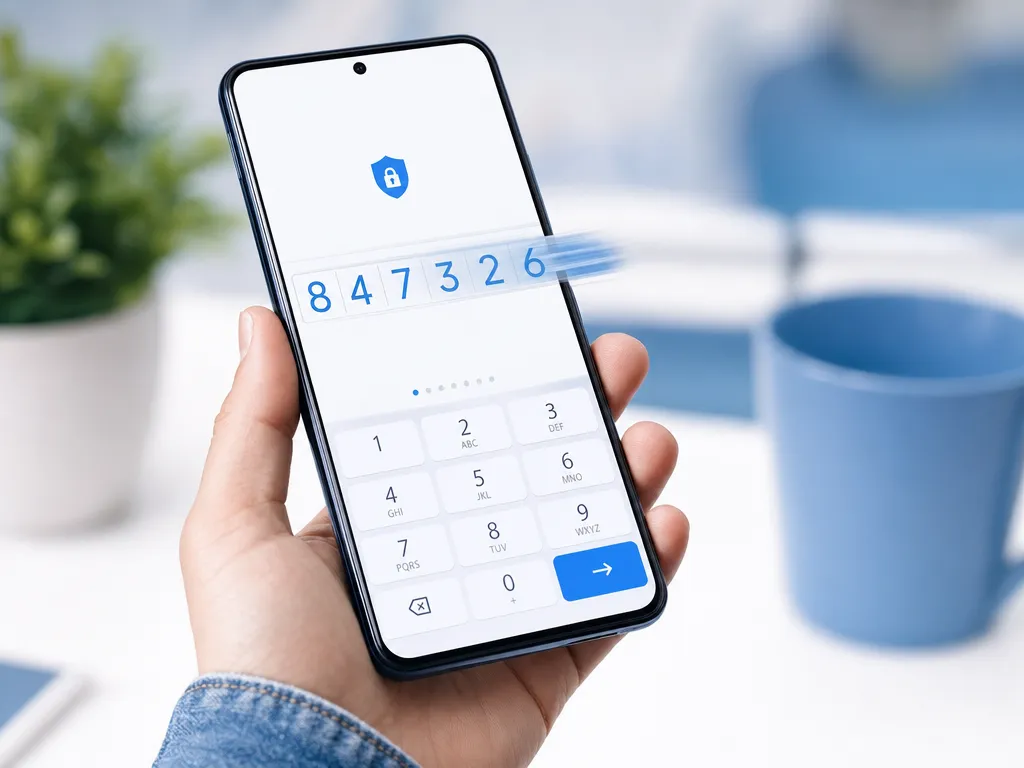
You tap "Send code," and before you can switch apps, the six digits are already in the field. That smooth moment is automatic SMS verification. On Android, it removes the copy-paste dance that annoys users and causes drop-off during signup.
Behind the scenes, this convenience relies on a few well-defined APIs from Google. Understanding how they work helps both everyday users who want fewer taps and developers who want higher conversion on their onboarding screens.
In this guide we break down the two main approaches Android offers, how each one behaves, and how to test verification flows reliably. If you build or test apps that rely on one-time passwords (OTPs), this is the practical overview you need.
The Two Ways Android Handles OTP Autofill
Android gives you two official paths, and they behave differently. Picking the right one matters for both security and user experience.
1. SMS Retriever API
The SMS Retriever API is the privacy-friendly option. Your app reads a single, specially formatted message without ever requesting the READ_SMS permission. That is a big deal. Users never see a scary permission prompt, and Google Play reviewers prefer apps that avoid broad SMS access.
For it to work, the message must follow a strict format:
- It is 140 bytes or shorter.
- It contains a one-time code the user copies into your app.
- It ends with an 11-character hash string that identifies your app.
Here is a typical example:
Your ExampleApp code is: 394027

FA+9qCX9VSu
The last line is the app hash. Android matches it to your signing certificate, so only your app receives the message. The user grants nothing, and the code appears automatically.
2. SMS User Consent API
The SMS User Consent API is the flexible cousin. It does not require a special message format or an app hash, which is handy when you cannot control how the sender writes the SMS. Instead, Android shows a small dialog asking the user to allow your app to read that one incoming message.
The tradeoff is one extra tap. The upside is that it works with messages from any sender, including third-party gateways you do not control. For many teams that alone makes it the practical default.
How the SMS Retriever Flow Works Step by Step
Let's walk through the retriever flow, since it is the one most apps aim for.
- Start the client. Your app calls
SmsRetriever.getClient(context).startSmsRetriever(). This starts a listener that lasts about five minutes. - Send the code. Your backend sends the OTP SMS, formatted with the app hash at the end.
- Broadcast fires. When the matching message arrives, Android broadcasts it to your app through a
BroadcastReceiver. - Extract the code. You parse the digits out of the message body with a simple regex and drop them into the input field.
- Verify. Your app submits the code to your server, which confirms it matches what was issued.
The whole thing happens in a second or two. No permissions, no manual entry, no leaving the app.
Generating the App Hash
The app hash ties the message to your specific build. Google provides an AppSignatureHelper class you can drop into a debug build to print the hash for your current signing key. Remember that debug and release builds usually have different signatures, so you will generate a different hash for production. Store both and pick the correct one per environment.
Autofill from the Keyboard
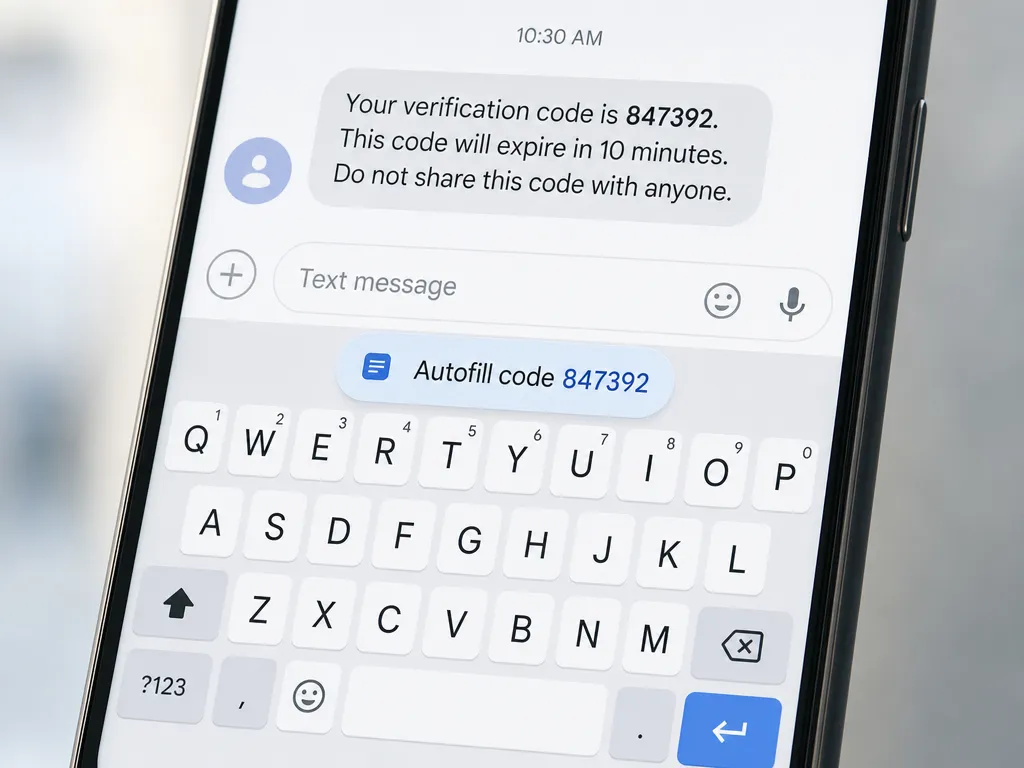
There is also a lighter path worth knowing, one that needs no extra code. Modern Android keyboards and Google's autofill framework can detect an incoming code and offer it as a suggestion chip right above the keyboard. When a user taps it, the digits fill in.
This works best when your input field is labeled correctly. Set the field's autofillHints to smsOTPCode and use inputType="number" with importantForAutofill="yes". You get a decent chunk of the convenience with almost no engineering effort, and it complements the retriever API rather than replacing it.
Common Reasons Automatic Verification Fails
Even a correct implementation breaks in the field. Here are the usual suspects.
- Wrong app hash. A hash from the debug build shipped to production, or a typo, means Android silently ignores the message.
- Message too long. Extra branding or a footer pushes the SMS past 140 bytes and the retriever skips it.
- Timeout. The listener expires after roughly five minutes. If your SMS provider is slow, the window can close before delivery.
- Multiple codes. A weak regex may grab the wrong number if the message contains more than one numeric string.
- Dual-SIM confusion. On some devices the message lands on a SIM the system does not treat as default, breaking detection.
When you debug these, test on real hardware. Emulators handle SMS inconsistently, and dual-SIM behavior only shows up on physical phones.
Security Notes You Should Not Skip
Automatic does not mean careless. A few principles keep OTP flows safe.
Keep codes short-lived. A one-time password should expire in a few minutes, not hours. Rate-limit requests so an attacker cannot trigger thousands of messages against a number. And never treat SMS as your only security layer for high-value actions. It is a convenience factor, not a fortress.
It is also worth understanding where SMS sits among verification options. If you are weighing channels, our breakdown of SMS OTP vs email OTP explains the tradeoffs in plain terms. For a broader look at safe delivery, the guide on how to receive SMS online safely covers habits that reduce interception risk.
Testing OTP Flows Without a Physical SIM
Here is a practical problem every developer hits. You need dozens of real numbers to test signup, resend, rate limits, and edge cases across countries. Buying SIM cards for each is slow and expensive.
This is where virtual numbers earn their keep. With SMS verification numbers from SMSBulk, you can receive real verification codes on demand across countries worldwide, then feed them into your test runs. It is far cleaner than juggling a drawer of physical SIMs.
If you are wiring this into an automated pipeline, the SMS verification API developer guide shows how to request a number, poll for the incoming code, and release it programmatically. The same account and wallet power both the SMS side and SMSBulk's travel eSIMs, which matters if your QA team tests apps from different regions.
A Quick Comparison Table
| Feature | SMS Retriever API | User Consent API |
|---|---|---|
Requires READ_SMS | No | No |
| Needs app hash | Yes | No |
| User taps a dialog | No | Yes |
| Works with any sender | No | Yes |
| Best for | Your own backend | Third-party gateways |
Use the retriever when you control the message format end to end. Fall back to user consent when you do not. Many mature apps implement both and choose at runtime.
FAQ
Does automatic SMS verification need the READ_SMS permission?
No. Both official APIs are built to avoid it. Google actively discourages broad SMS access, and apps that request READ_SMS without a strong reason risk removal from the Play Store.
Why does the code fill on one phone but not another?
Usually it is a signing or hash mismatch, a dual-SIM setup, or a keyboard that does not support autofill suggestions. Test across a few devices before you conclude the code is broken.
Can I test this without publishing my app?
Yes. Generate the debug app hash, send yourself a correctly formatted message, and watch the broadcast fire. Pair that with virtual numbers so you can exercise many scenarios quickly.
Is SMS the most secure verification method?
It is convenient and widely supported, but not the strongest option on its own. For sensitive accounts, combine it with an authenticator app or hardware key.
Get Started with SMSBulk
Whether you are shipping an Android app or just testing how automatic SMS verification behaves, you need reliable numbers that actually receive codes. SMSBulk gives you virtual numbers worldwide, a clean API for automation, and travel eSIMs on the same wallet for when your testing goes global. Create an account, top up, and start receiving verification codes in minutes.
Ready to verify accounts the easy way?
Get instant SMS codes from 190+ countries in under 30 seconds.